- Applications
- Tools
Widgets 2: Watch face

| Install | <100 |
| From 1 Rates | 5 |
| Category | Tools |
| Size | 2 MB |
| Last Update | 2025 February 4 |

| Install | <100 |
| From 1 Rates | 5 |
| Category | Tools |
| Size | 2 MB |
| Last Update | 2025 February 4 |
Images









Introduction
Only for Wear OS 4+ devices
// Not suitable for rectangular watches
<font color="#897eff">Powered by Watch Face Format</font>
<big>amoledwatchfaces.com</big>
<big><font color="#fd5f00">BUY ONE GET ONE OFFER!</font></big>
amoledwatchfaces.com/bogo
<big><font color="#fd5f00">CUSTOM COMPLICATION APPS</font></big>
amoledwatchfaces.com/apps
<font color="#897eff"><big>FEATURES</big></font>
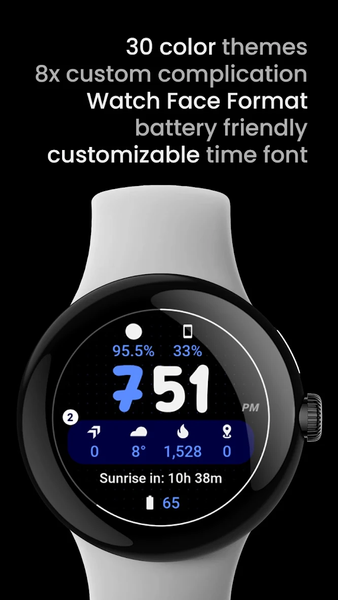
• Watch Face Format 1
• fully compatible with latest Wear OS devices
• true black background
• high resolution
• 8x custom complication slot
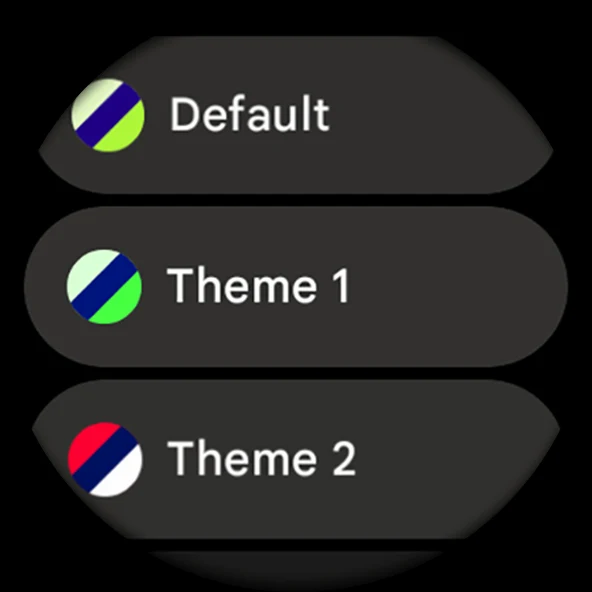
• unique color themes
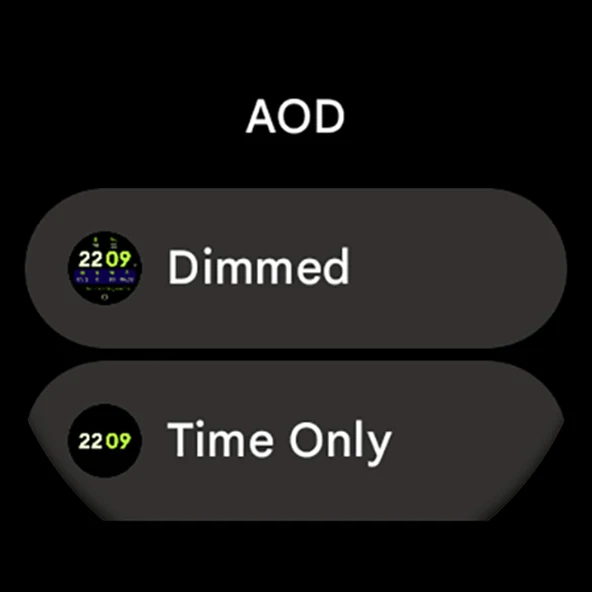
• unique ambient mode with low OPR & adaptive colors
• burn-in protection
• progress bar seconds indicator
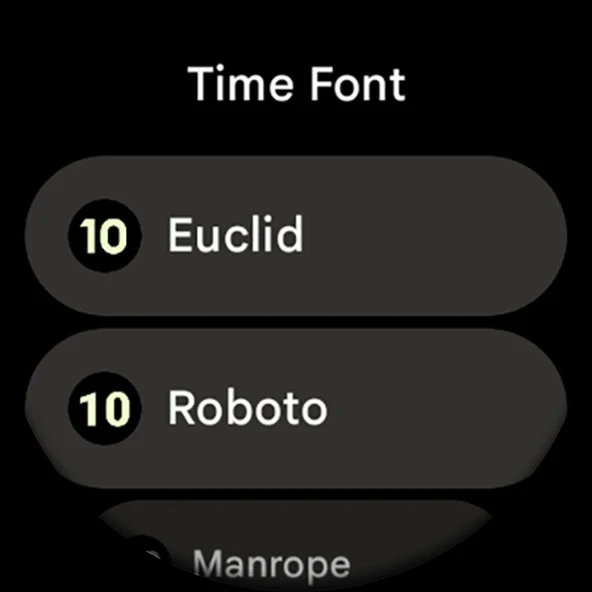
• customizable time font
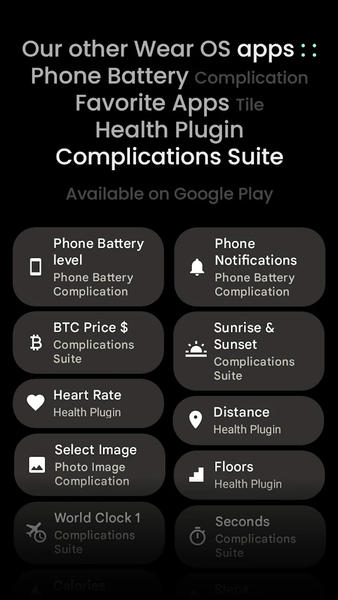
• phone notifications complication support*
* requires Phone Battery Complication app
https://play.google.com/store/apps/details?id=com.weartools.phonebattcomp
<font color="#897eff"><big>USER CONFIGURATIONS</big></font>
• Theme (Default + 29x)
• Time Font (7x)
• AOD (Style - 2x)
• Seconds Indicator (Toggle)
• Tint Pill (Toggle)
• Show Pill (Toggle)
• Dot-X Pattern (Toggle)
• Custom Complication (8x)
Installation and troubleshooting guide
amoledwatchfaces.com/guide
Please send any issues reports or help requests to our support address
support@amoledwatchfaces.com
Join our Telegram group for live support and discussion
t.me/amoledwatchfaces
Newsletter
amoledwatchfaces.com/contact#newsletter
amoledwatchfaces™ - Awf
Related Applications






Users Also Installed






Similar Applications