

تصاویر برنامه

معرفی برنامه
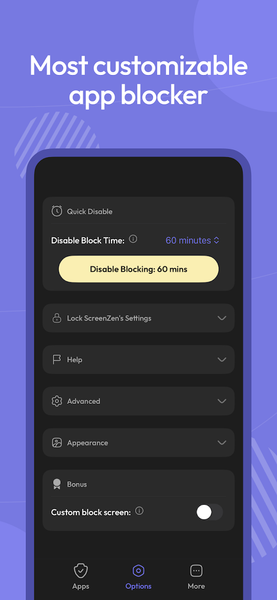
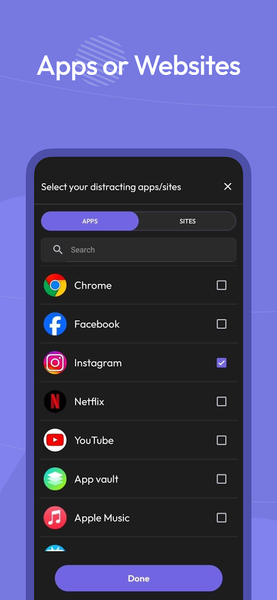
Multiple strategies to control your screen time, block apps, block websites and focus. Regain your freedom.
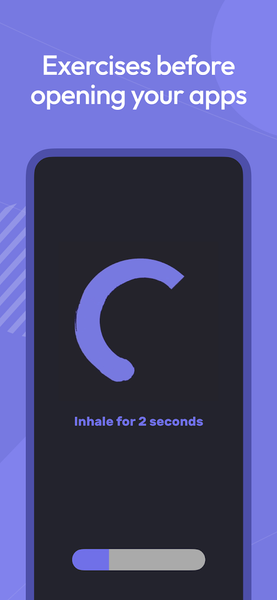
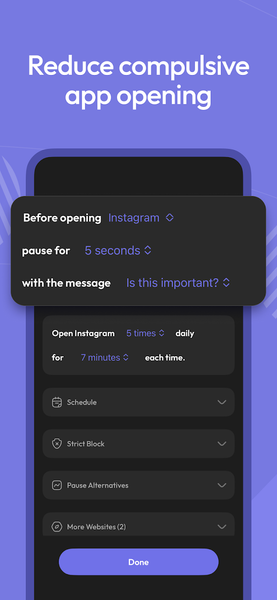
1. Pause before opening your app or website: A bit of time before choosing if you need to open your distracting app. You can have the wait time increase each time you open your app.
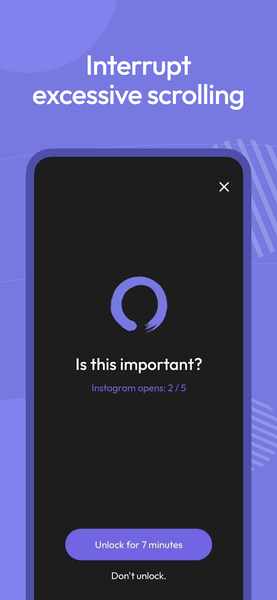
2. Interrupt your scrolling: Check your distracting apps for short periods of time so you don't get sucked in.
3. Set an app goal and optionally block when you reach your limit.
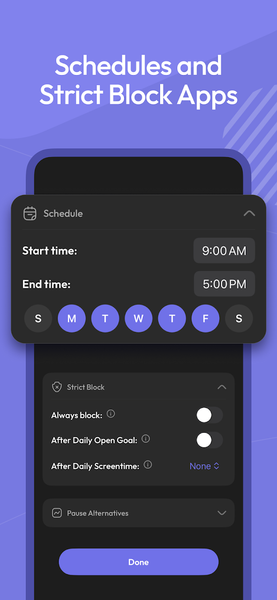
4. Configurable for different days of the week and time by app.
5. Messages like "Is this important" before opening your app.
6. See your screen time for only your distracting apps. Don't worry about Google Maps bloating up your time. App usage timer.
Accessibility permission used to block websites.


برنامههای مرتبط










دیگران نصب کردهاند









برنامههای مشابه