
- Applications
- Photography
AI Photo Editor and Effects Pics


Images

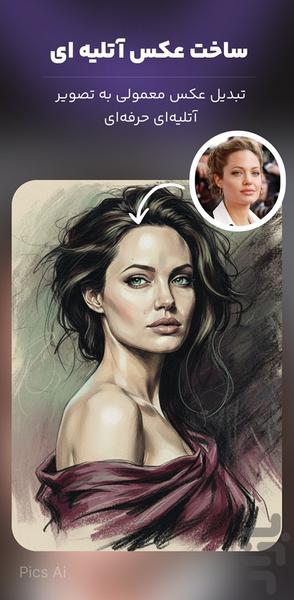
Introduction
Pics Ai is a powerful photo editor powered by Artificial Intelligence.
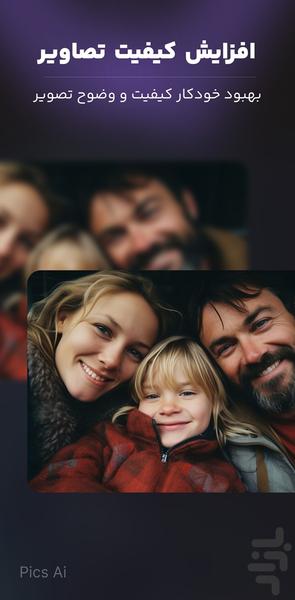
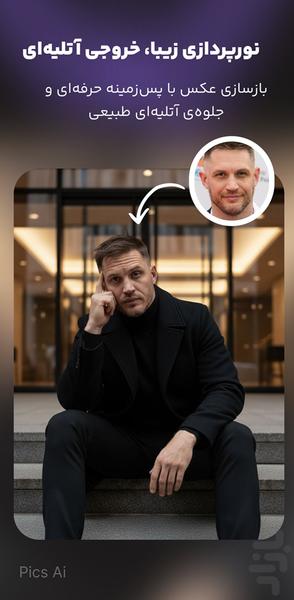
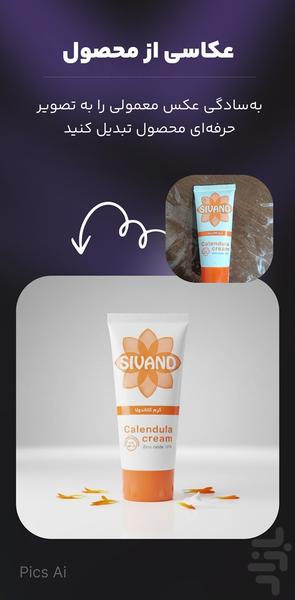
With just one tap, it transforms your photos into studio-quality, professional, or creative portraits — from enhancing image quality and resolution to restoring old photos and applying advanced artistic effects .
Perfect for photographers, bloggers, and anyone who wants their photos to look stunning and professional.
Key Features
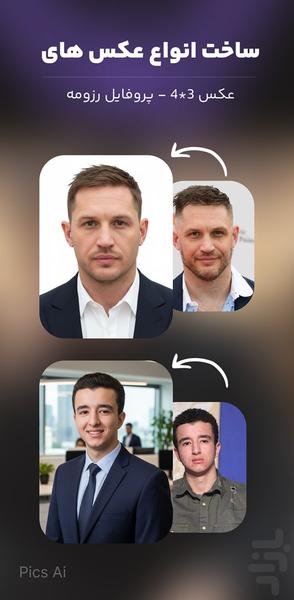
Studio & Portrait Effects — Ready-made lighting styles and portrait presets for profile or promotional photos.
AI Upscale & Quality Enhancement — Sharpen details and remove noise using advanced AI algorithms.
Old Photo Restoration & Colorization — Repair damaged photos, remove scratches, and bring color back to black-and-white images.
Face Retouch & Skin Smoothing — Smooth skin, remove blemishes, whiten teeth, and adjust face lighting naturally.
Background Replacement & Smart Cutout — Automatically isolate the subject and replace the background with new scenes or effects.
Artistic Filters & Presets — Choose from cinematic, vintage, portrait, HDR, and more unique visual styles.
Advanced Editing Tools — Fine-tune brightness, contrast, saturation, sharpness, and tone curves.
Fast & Secure Processing — All edits are processed quickly while keeping your photos private and safe.
High-Quality Export — Get crystal-clear results ready to share on Instagram, your profile, or for printing.
Why Pics Ai?
Turn time-consuming edits into one-tap transformations powered by AI.
Designed for both beginners and professionals who want pro results without complicated software.
Combines automatic AI tools with manual controls for complete flexibility.
How to Start
Choose a photo or capture a new one.
Select a tool or effect (like “Enhance Quality” or “Old Photo Restore”).
Apply your settings and export — ready to share instantly!
