- Applications
- Education
Message Reader: Text to Speech

| Install | <100 |
| From 1 Rates | 5 |
| Category | Education |
| Size | 5 MB |
| Last Update | 2025 December 17 |

| Install | <100 |
| From 1 Rates | 5 |
| Category | Education |
| Size | 5 MB |
| Last Update | 2025 December 17 |
Images



Introduction
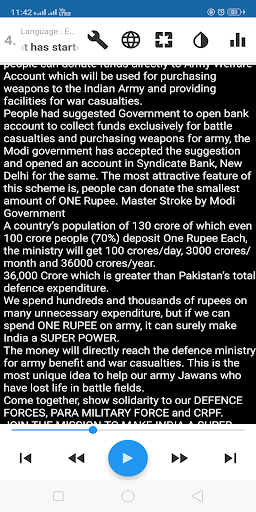
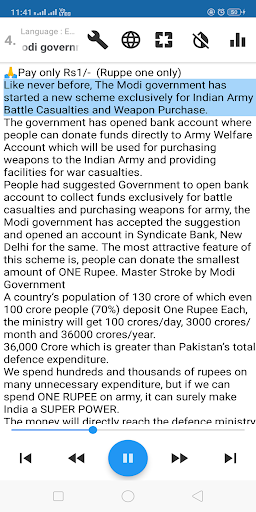
Stop reading long messages! Message Reader speaks any copied text instantly using clear Text-to-Speech (TTS).
Whether it’s WhatsApp messages, social media chats, news articles, websites, books or notes — simply copy the text and the app will automatically read it aloud.
Perfect for travel, multitasking, driving, studying, or when your eyes are tired.
🔥 Why Use Message Reader?
Reads any copied text automatically
Hands-free message reading for WhatsApp, Telegram, Messenger, Instagram & more
Saves time by speaking long messages, stories, blog posts & articles
Works with all apps — chat apps, news apps, book apps, browsers
Ideal for people who prefer listening instead of reading
⭐ Powerful Features
✔ Auto-read clipboard — copy text and it speaks instantly
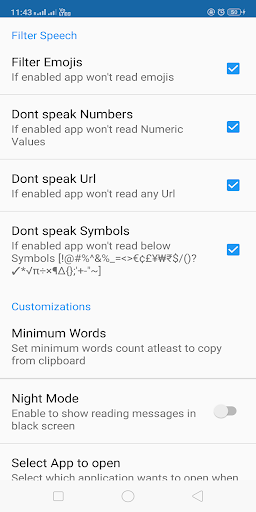
✔ Cleans unwanted content — removes emojis, URLs, dates, symbols, numbers
✔ Reads WhatsApp multi-messages perfectly
✔ Natural voices using Google Speech Services (TTS)
✔ Supports 30+ languages and accents
✔ Day & night mode
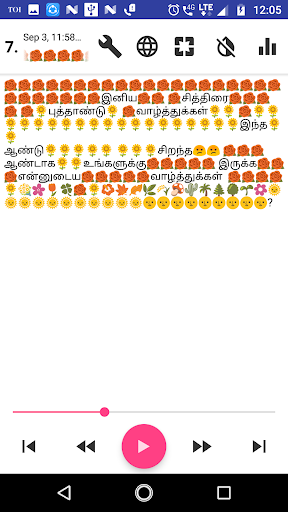
✔ Easy controls: pause, resume, next, previous, forward, rewind
✔ Adjust voice pitch, speed & volume
✔ Auto pause for incoming calls
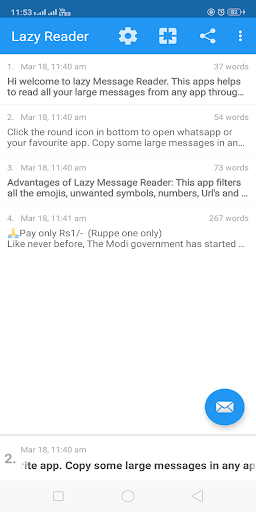
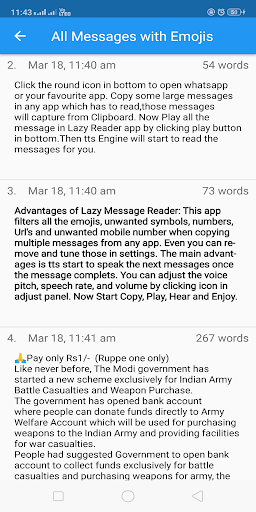
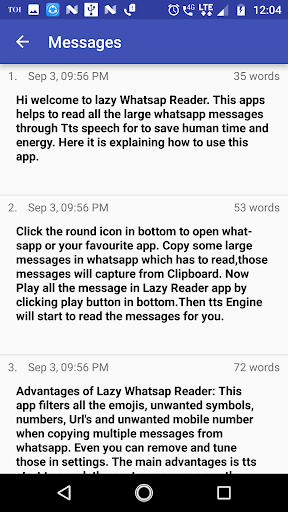
✔ Message list view like chat reading
✔ Word counter included
✔ Reads chats, stories, articles, notes, PDFs (copy-supported), webpages
✔ Reads multiple languages in local accent
🌍 Supported Languages
English (US/UK/Australia), Hindi, Tamil, Telugu, French, German, Spanish, Italian, Portuguese, Bangla, Urdu, Korean, Japanese, Chinese, Thai, Vietnamese and many more.
Change languages anytime from Settings.
🎧 Perfect For
Long WhatsApp or Telegram messages
Students listening to notes
Travellers & drivers
People who prefer audio learning
Reading blogs, articles & books hands-free
Accessibility & eye comfort
🔧 Requirements
You need a Text-To-Speech (TTS) engine installed on your device.
We recommend Google Speech Services for best performance.
⭐ Start Listening Instead of Reading!
Copy → Play → Listen.
Download Message Reader now and save time every day.
Related Applications